The only photo documentation software you’ll
ever need
.png)




.png)



.png)


.png)
.png)

.png)
%201%20(2).png)














.png)

.avif)
%20(1).png)
How DroneDeploy Ground works
How much could DroneDeploy save you?
Try it yourself in this interactive preview
.avif)
Build your toolbox (or let us do it for you)
Supported hardware
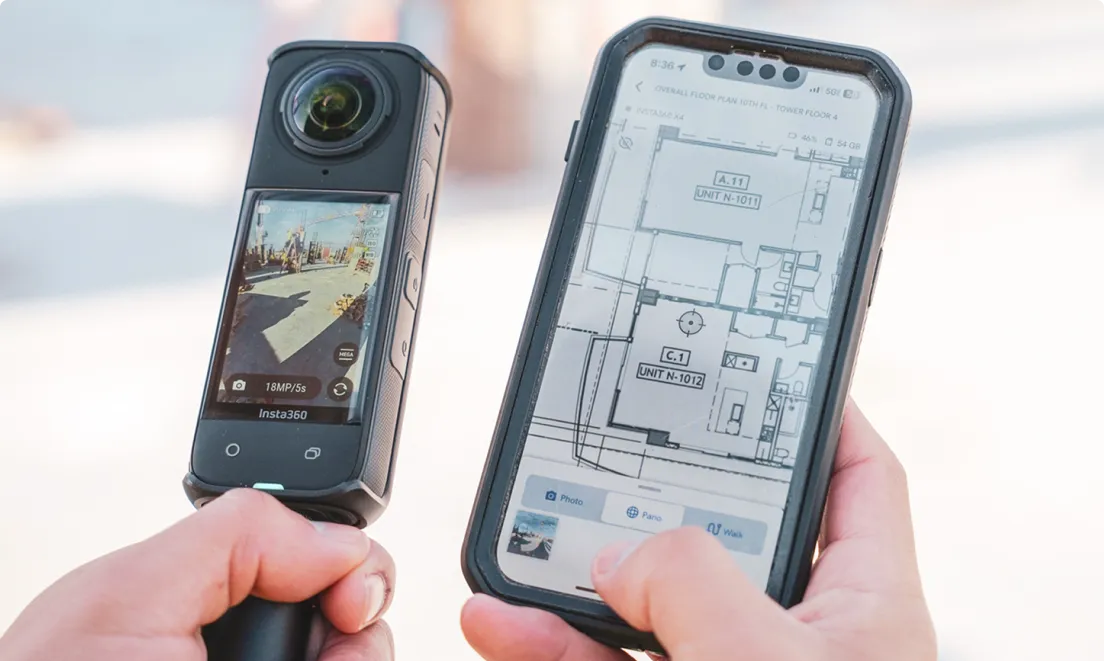
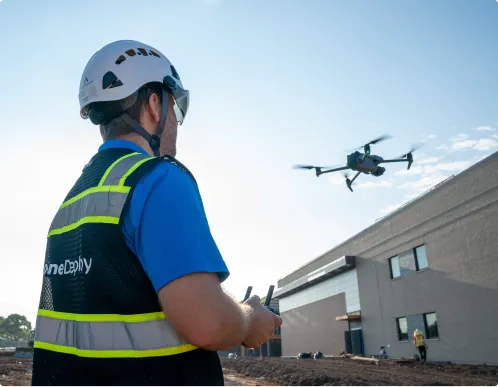
Our processing engine works with data from any camera source and supports automated flights, mission planning, and execution across drones, ground robots, docked systems, and 360 cameras.
Data on demand
Need the data but don't have pilots or hardware yet?
Use our services network to capture key corridors and facilities at the cadence you need, with processed maps, photos and models delivered straight into your DroneDeploy account.
Is DroneDeploy the right fit for your operations?
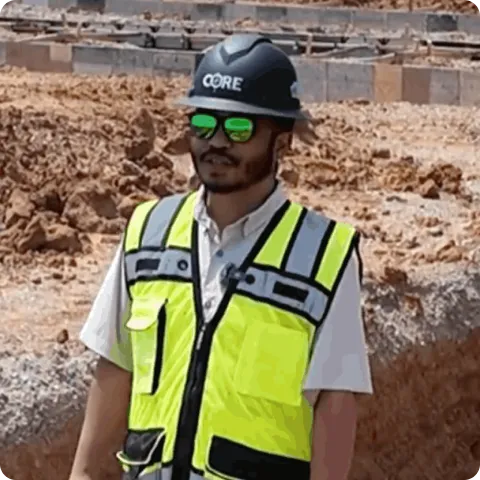
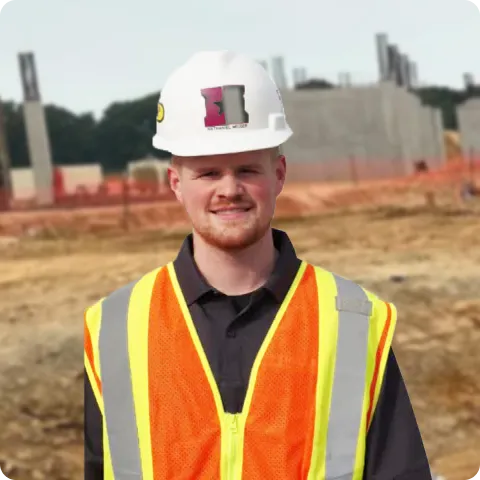
Field crews, project managers, design teams and safety professionals use DroneDeploy Ground for ground-level site documentation across construction, facilities and industrial environments. Anyone who needs a searchable, location-organized visual record of site conditions – from the superintendent on site to the owner reviewing remotely – has a consistent way to capture and access it.
DroneDeploy Ground accepts .INSV and .MP4 video files from a wide range of 360 cameras. The Supported Hardware page lists tested and recommended models. The help center guide has step-by-step instructions for connecting your camera in the Ground app.
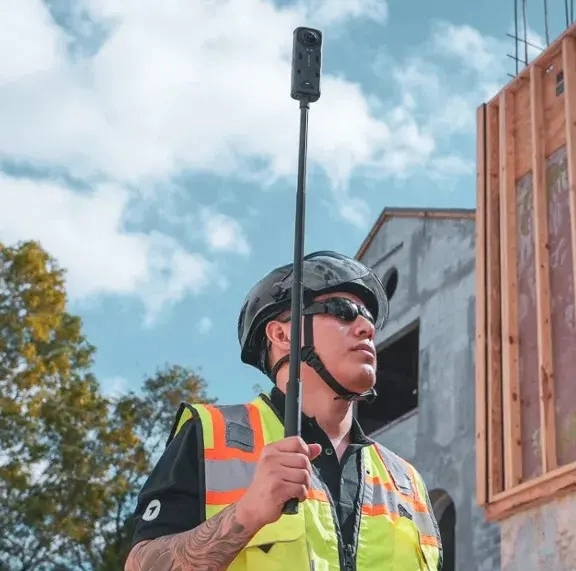
Walk the site with a 360 camera and the DroneDeploy mobile app and photos are mapped to your floor plan or site drawing by location and date. See the Walkthrough and Ground Capture guide for full workflow details. Filter by date to compare conditions at the same spot over time.
DroneDeploy has BIM Compare built in. Import your model and overlay it on 360 imagery from the field. Engineers and VDC teams can verify what has been built against what was designed without leaving the platform.
Any member of the project team can capture 360 Walks – no technical training is required. See the Ground App feature list for a full breakdown of what is supported. A project engineer or superintendent walks the site with a 360 camera and the mobile app – capture takes minutes, and the full project team has access in the same session.
Shareable links and permission-based access are built in. Owners and trade partners can view, comment on, or export data without needing a full seat. You control who sees what through role-based permissions.
Ground and Aerial data are in the same platform. Teams navigate between aerial maps and ground-level 360 Walks in one project environment. This is useful on large floor plates where aerial context and ground-level detail both matter.
Yes! Mobile 3D scanning with RTK, 3D measurements, and dollhouse walkthroughs are available to document conditions that need to be captured quickly.